

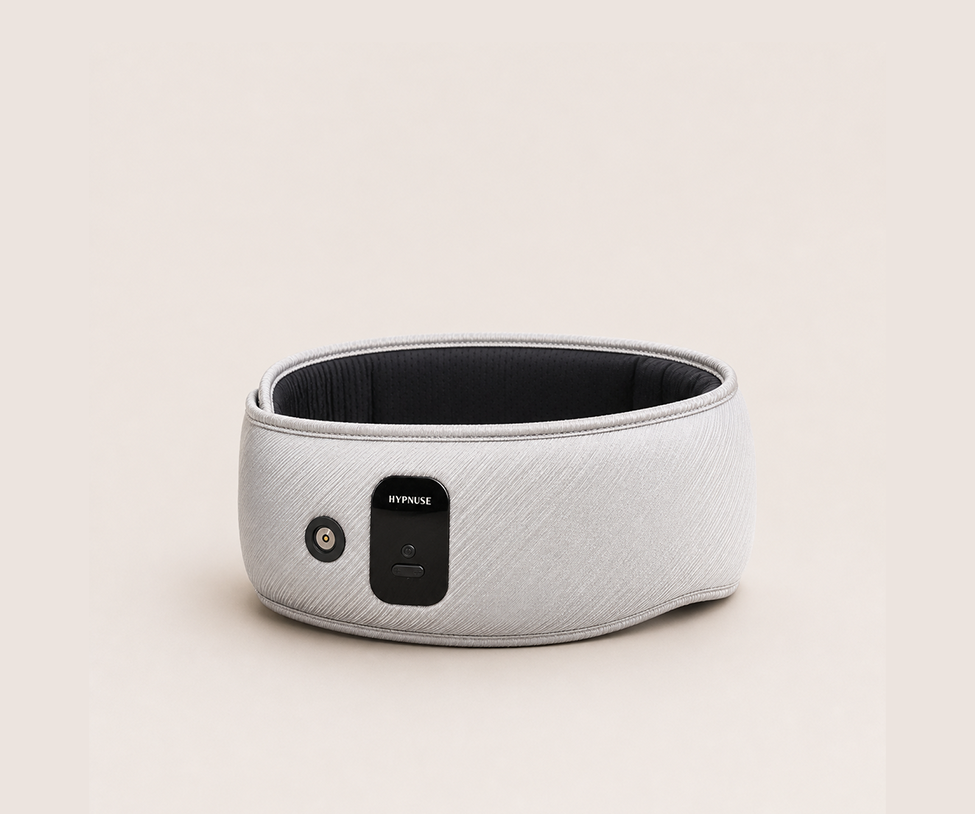
You wear it for seven or eight hours a night, right against your eyelids, lashes and skin. So it shouldn't surprise anyone that a sleep mask picks up sweat, skincare products and oils fast.
A smart mask adds a catch. It has a battery, sensors, speakers and a charging port. Wash it like a pillowcase and you could ruin a $200 device in one evening. Skip cleaning and you're pressing a grimy surface onto your face every night.
This guide shows you how to clean a smart sleep mask properly: what to use, what to avoid, and how often to do it.
Quick answer: To clean a smart sleep mask, switch it off and unplug it, wipe the fabric with a cloth dampened with water and a drop of mild soap, and dab the sensors and charging area with a barely damp cloth or dry cotton swab. Let it air-dry completely before charging or wearing it. Don't submerge it or machine-wash it unless your manual says your model is washable.
Why a smart sleep mask needs different care than a regular one
A basic fabric mask is simple. Most can be hand-washed or laundered, then forgotten. A smart mask is closer to a pair of headphones and a fitness tracker stitched into a mask.
Look at what's inside a mask like the Hypnuse Pro or Rhythm. You'll find a rechargeable battery, speakers for soundscapes, sensors that read pulse, heart rate and movement, and a gentle heating element. Water and electronics don't get along, and moisture near a charging port or sensor is how most avoidable damage starts.
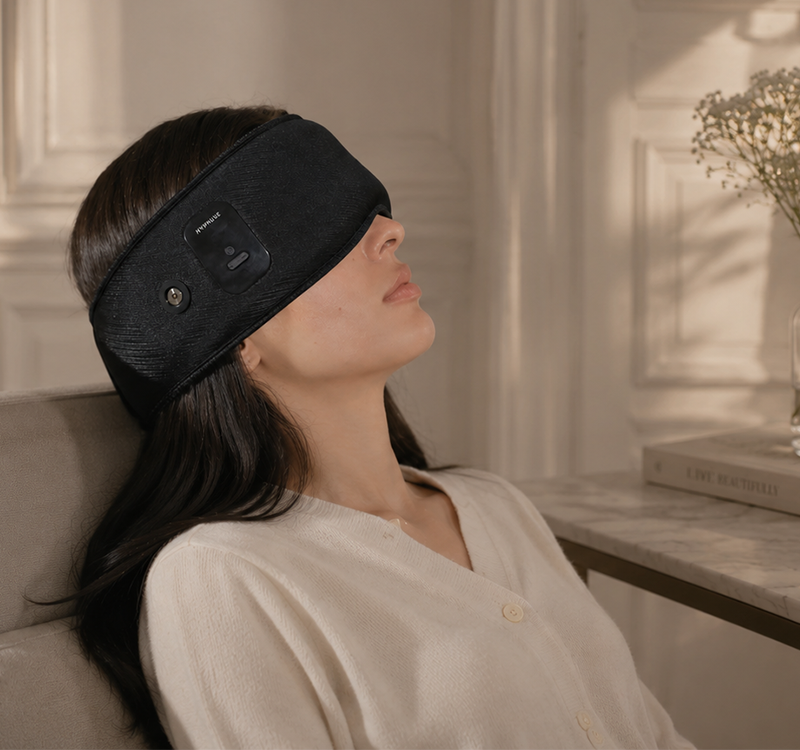
Cleaning matters for your skin too. The skin around your eyes is thin and sensitive, and a mask that builds up oil, makeup residue and sweat can contribute to irritation or breakouts for some people. If you notice persistent redness, itching or swelling around your eyes, stop wearing the mask and talk to a doctor or eye-care professional. A cleaner mask won't fix a medical problem, and this guide isn't medical advice.
So the goal is a gentle, targeted clean: enough to keep the surface fresh, never enough to flood the electronics.
What you'll need
You don't need special products. Most of this is already in your home.
- Two soft, lint-free cloths (microfiber works well), one for cleaning and one for drying
- Lukewarm water
- Mild, fragrance-free soap or gentle baby shampoo (a single drop)
- Cotton swabs or a soft, dry toothbrush for edges and crevices
- A clean, flat, dry surface to let the mask air-dry
- Your user manual, the final word for your specific model
Skip alcohol wipes, bleach, hand sanitizer, strong detergents and anything scented. They can strip coatings, discolor fabric and dry out the materials that touch your skin.
How to clean a smart sleep mask: step by step
Take five minutes and work slowly. Rushing is how water ends up where it shouldn't.
- Power it off and unplug it. Make sure it isn't charging or connected to the app. Never clean a device that has power running through it.
- Take off anything removable. If your model has a detachable cover, strap or pad, remove it first. Check your manual to see what your model allows.
- Mix a tiny soap solution. Add one drop of mild soap to a small bowl of lukewarm water and stir.
- Dampen, don't soak. Dip a cloth in the solution and wring it out until it's barely damp. If water drips when you squeeze it, wring it again.
- Wipe the fabric surfaces. Use light, even strokes across the area that touches your face. Press gently and avoid scrubbing, which can roughen fabric and push moisture inward.
- Rinse the same way. Wipe again with a second cloth dampened with plain water to lift soap residue.
- Clean the sensors and charging area dry-ish. Use a barely damp cloth or a dry cotton swab. Keep moisture out of the charging port, speaker openings and sensor windows.
- Air-dry completely. Lay the mask flat in a well-ventilated spot, away from direct sunlight, radiators and hair dryers. Wait until it's fully dry, ideally several hours, before charging or using it.
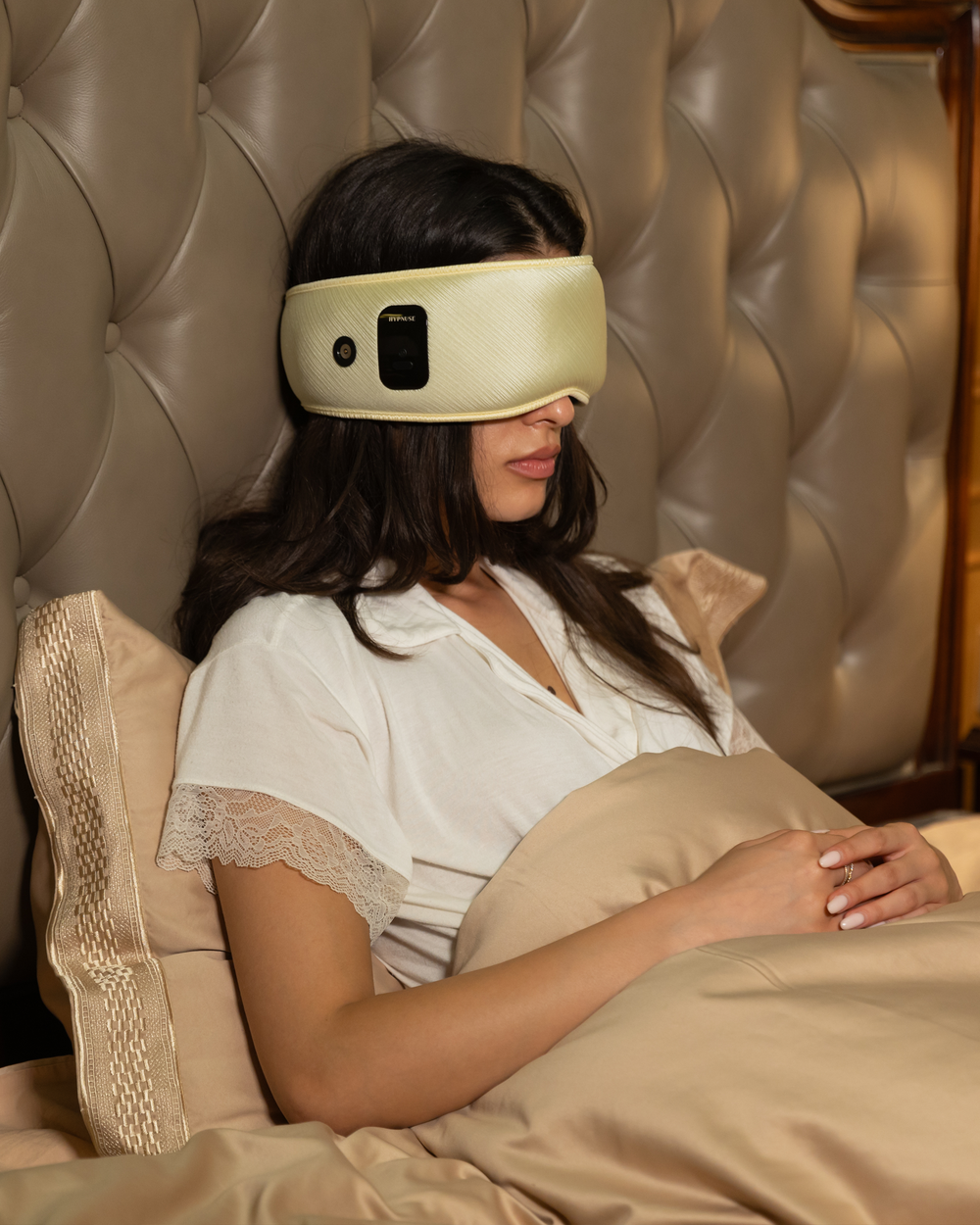
Why drying matters so much: trapped moisture near a battery or charging contacts is the risk that deserves the most respect. If you're unsure whether the mask is dry, give it more time. Another hour costs nothing.
Clean it by zone: what to use and what to avoid
Different parts of the mask need different treatment. Use this as a quick reference.
| Part of the mask | Safe approach | Avoid |
|---|---|---|
| Fabric and eye cups | Barely damp cloth with a drop of mild soap, then a plain-water wipe | Soaking, scrubbing, machine washing |
| Sensors (pulse, heart rate, motion) | Dry cotton swab or barely damp cloth, then dry | Liquids, sprays, abrasive cloths |
| Charging port or magnetic contacts | Dry cotton swab or soft dry brush | Water, metal tools, compressed air at close range |
| Speaker openings | Soft dry brush, gentle dabbing | Pushing debris inward, pins, wet cloths |
| Strap or headband | Damp cloth, same as fabric (check if removable) | Hot water, tumble drying |
| Heating areas | Wipe only when fully cool and powered off | Cleaning while warm or plugged in |
If your mask has smooth silicone or plastic edges, a lightly damp cloth is usually enough. Anything near a seam, opening or contact point should get the driest touch of all.
How often should you clean a smart sleep mask?
There's no single rule, because it depends on how you sleep and what you put on your face. Here's a sensible rhythm for most people:
- Quick wipe-down: once a week with a barely damp cloth
- Full gentle clean (the steps above): every two to four weeks
- Right away: after a sweaty night, a workout nap, a flight, or a bout of illness
- More often: if you wear heavy night cream, sunscreen, makeup or hair oils to bed
Think of it like your pillowcase. Many people change pillowcases weekly. A mask worn every night deserves a routine too, just a lighter, drier one. If you love short rests, our guide to the best sleep mask for naps covers how to keep a mask fresh when you wear it at your desk or on the couch.
A simple habit helps more than any product: wash your face and remove heavy products before bed. A cleaner face means a cleaner mask.
7 common mistakes that damage a smart sleep mask
Most damage comes from good intentions. Watch for these:
- Submerging it. Even a short dunk can reach the battery, speakers or sensors.
- Using the washing machine or dryer. Tumbling and heat can warp components and fabric.
- Cleaning while it's charging or powered on. Moisture plus live power is a bad mix.
- Using alcohol, bleach or sanitizer. These can break down coatings, glue and fabric over time.
- Spraying liquid directly onto the mask. Sprays travel into openings. Put the liquid on the cloth instead.
- Drying with heat. Hair dryers, radiators and direct sun can warp materials and stress the battery.
- Charging before it's dry. This is the most common and most costly mistake. Be patient.
If you do get liquid into the mask, power it off, don't charge it, and let it dry thoroughly. If it still behaves oddly, contact support before using it again.
Cleaning your Hypnuse Pro and Hypnuse Rhythm
Both masks are built around the same idea: comfort plus technology. That means the same cleaning logic applies, with some model-specific things to keep in mind.

Hypnuse Pro: Immerse Edition combines therapeutic heat, light therapy and built-in soundscapes, with pulse, heart rate and motion sensors. Because it has the most components, keep extra care around the sensor windows, speaker openings and magnetic charging area. Always let it cool fully after a heated session before you wipe it.
Hypnuse Rhythm pairs gentle heating with sleep tracking and curated sleep audio. The approach is the same: damp cloth on fabric surfaces, dry swab on contacts and sensors, and plenty of air-drying time.
For both, I'd recommend one extra habit: wipe the sensor areas lightly after each wear and do a fuller clean every few weeks. Oils from your skin can build up on sensors, and a clean surface helps them make good contact.
Always cross-check these steps with the user manual that came with your mask, since materials and components can differ between models and versions. If you're not sure whether something is safe, ask before you try it. You can reach the team through the Hypnuse contact page, and you can review coverage details on the warranty policy page. Replacing a cable? The Magnetic Charging Cable is available separately.
Curious how the sensors and AI features work together? Our How It Works page explains what your mask is tracking and why.
How to store and travel with your smart sleep mask
Cleaning is half the story. How you store the mask decides how long it stays fresh.
- Keep it dry and cool. Avoid bathrooms, hot cars and windowsills.
- Use a breathable pouch or case. This protects it from dust and keeps the sensors clear. Avoid sealed plastic bags that trap damp air.
- Don't crush it. Heavy items in a bag can bend the fit and stress internal parts.
- Let it air out after use. Set it on a nightstand for a few minutes before packing it away.
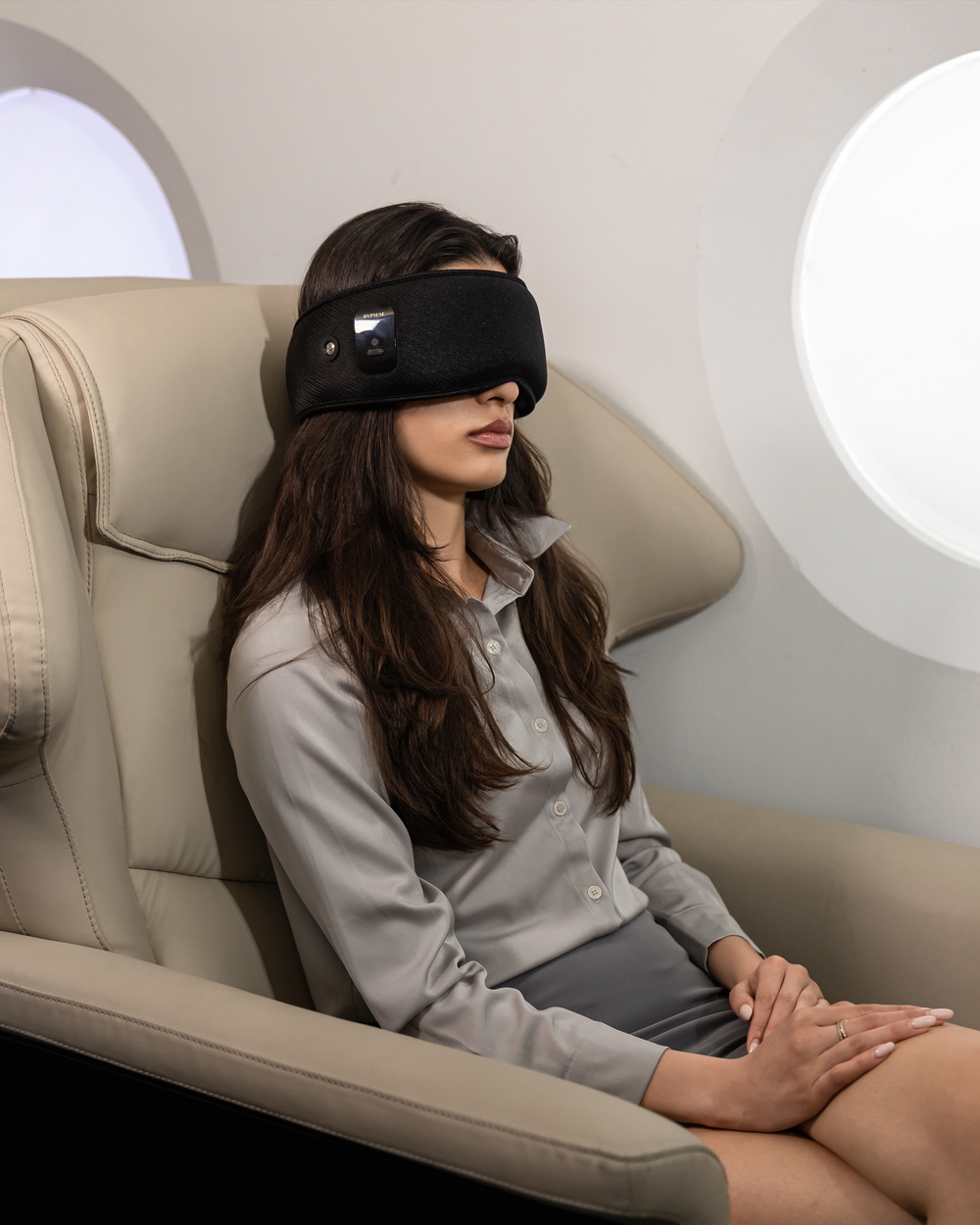
Travel is where masks pick up the most grime: flights, hotel pillows and dry cabin air. A quick wipe before you pack and again when you arrive keeps things fresh. If light is your main problem on the road, our post on sleep masks for light sensitivity explains what to look for. And if you're still deciding between formats, see sleep headband vs sleep mask.
If you prefer something with fewer parts to look after, a simple non-electronic option like Hypnuse Core has no electronics to protect, which makes upkeep simpler.
When to stop cleaning and call for help
Cleaning should refresh your mask, not become a repair project. Reach out to support if you notice:
- A charging port that looks corroded or won't hold a connection
- Sensors that read oddly after cleaning
- Audio that crackles or cuts out
- Heat that feels uneven or stronger than usual
- Any swelling, odd smell or warmth from the battery area
Stop using the mask at once if you see any of these. For skin symptoms such as lasting redness, itching or discomfort, see a healthcare professional. For general eye and eyelid hygiene guidance, the American Academy of Ophthalmology is a trustworthy place to start.
The bottom line
Knowing how to clean a smart sleep mask comes down to three rules: keep it powered off, keep it barely damp, and keep it patient. Wipe gently, protect the ports and sensors, and always let it air-dry fully. Do that every few weeks, add a light wipe each week, and your mask will stay comfortable, hygienic and working well for years.
Want more tips on building a better night? Browse our Sleep Tips page, or explore the Hypnuse Pro and Hypnuse Rhythm if you're ready for an upgrade.
Frequently asked questions
1. Can you wash a smart sleep mask in the washing machine?
No, not unless the manufacturer explicitly says your model is machine-washable. The battery, speakers and sensors can be damaged by water and tumbling. Spot-clean with a barely damp cloth instead.
2. How do you clean the sensors on a smart sleep mask?
Power the mask off, then gently wipe the sensors with a dry cotton swab or a barely damp, lint-free cloth. Dry them straight away, and don't use alcohol or spray liquids directly.
3. How often should I clean my sleep mask?
A quick wipe weekly and a fuller gentle clean every two to four weeks suits most people. Clean sooner after sweating, travel, illness, or if you wear heavy skincare to bed.
4. Can I use alcohol wipes or sanitizer on my smart sleep mask?
It's best to avoid them. Alcohol and strong chemicals can degrade coatings, adhesives and fabrics, and may irritate the skin around your eyes. A drop of mild soap on a damp cloth is gentler.
5. How long should a smart sleep mask dry before I charge it?
Until it's completely dry. Several hours on a flat, ventilated surface is a sensible minimum. If you have any doubt, wait longer. Charging a damp mask is the riskiest mistake.


